|
Configure EZTag CE for your Archer2-GEO and Allegro2-GEO |
|
In EZTag CE, you need to indicate the COM port used by the GNSS receiver and its output format. To correctly read the output data coming from your receiver, it is critical to select the correct GNSS driver. |

|
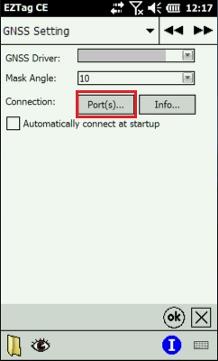
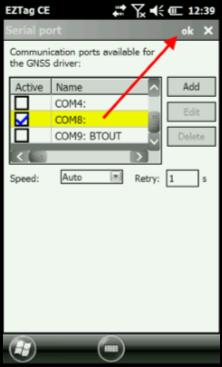
4. Press Port(s), select COM8 and press ok; |
|
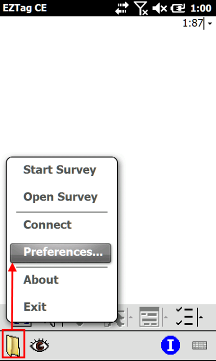
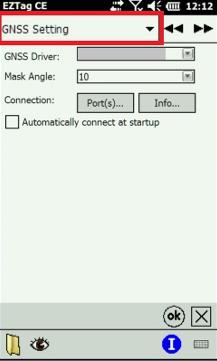
How to select the COM Port and the GNSS Driver in EZTag CE 1. Start EZTag CE found under the Start menu; 2. Select File > Preferences; 3. Using the arrows |

|
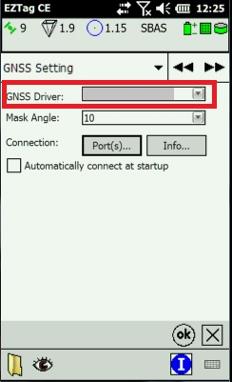
5. Select the GNSS Driver = Allegro2 - NVS, Allegro2 - uBlox_M8T, Archer2 - NVS or Archer 2 - uBlox_M8T according to the type of integrated receiver available inside your Juniper Systems device; 6. Press ok to exit the Preferences menu. |
|
Article: 000121 Related Products: Product Last Update: 2017-04-11 18:06:32 |
|
Document information |

|
|